What is a crypto wallet?
Your keys to the blockchain—understanding how crypto wallets work, choosing the right type, and avoiding common mistakes.
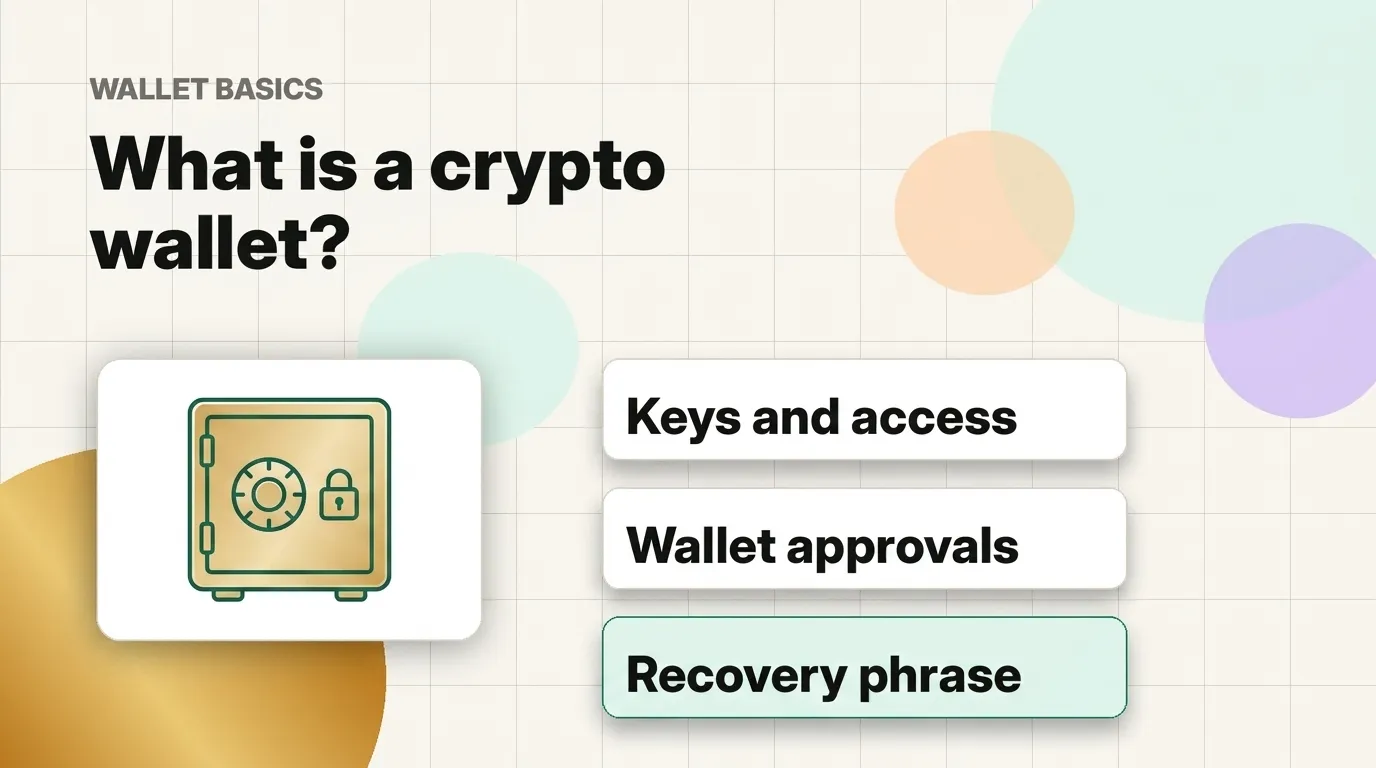
When you start exploring digital assets, one of the first terms you will encounter is a “crypto wallet.” If the name sounds a bit confusing, that is completely normal! A crypto wallet doesn’t actually hold coins in the way a leather wallet holds physical paper cash. Instead, all coins live permanently on the blockchain, and your wallet holds the secret keys that prove you own them.
The easiest way to think about it
Think of a crypto wallet like a secure keychain. The blockchain is the public ledger, and your wallet holds the private keys that let you access and manage your specific entries on that ledger. Because the keys are what give access to the coins, keeping your wallet safe is the most important part of your learning journey.
What does a wallet do?
A wallet helps you interact with the blockchain in a few key ways:
- View balances: Check how many coins you have.
- Receive assets: Provide your public address so others can send coins to you.
- Send assets: Sign and broadcast transfers to other addresses.
- Connect to apps: Access wallet-based services and websites.
The most important word to remember is approve. Whenever an app wants to make a transaction, your wallet will show you a pop-up message first. You have full control to approve or reject it. Slowing down and reading these messages carefully is your best defense against mistakes.
Address vs. Recovery Phrase
To use a wallet safely, you must understand the difference between these two items:
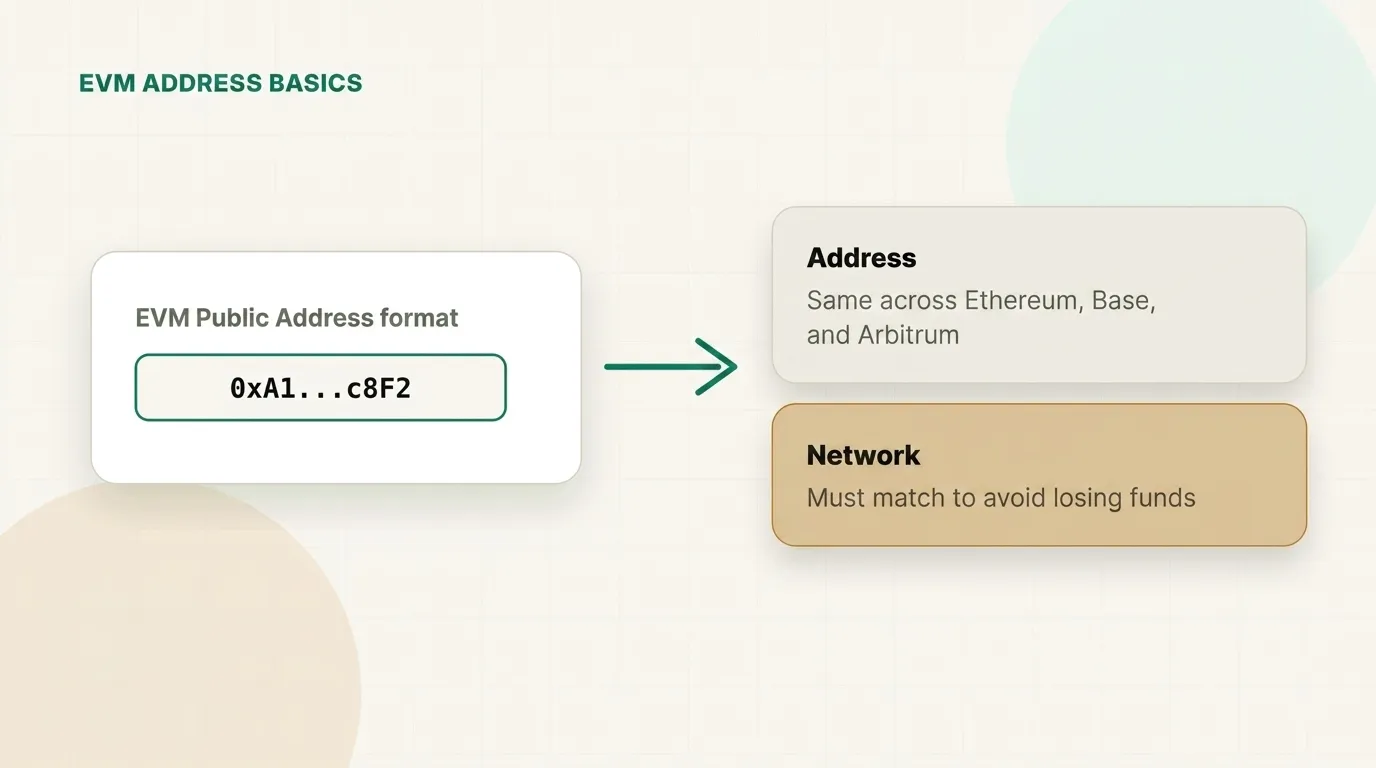
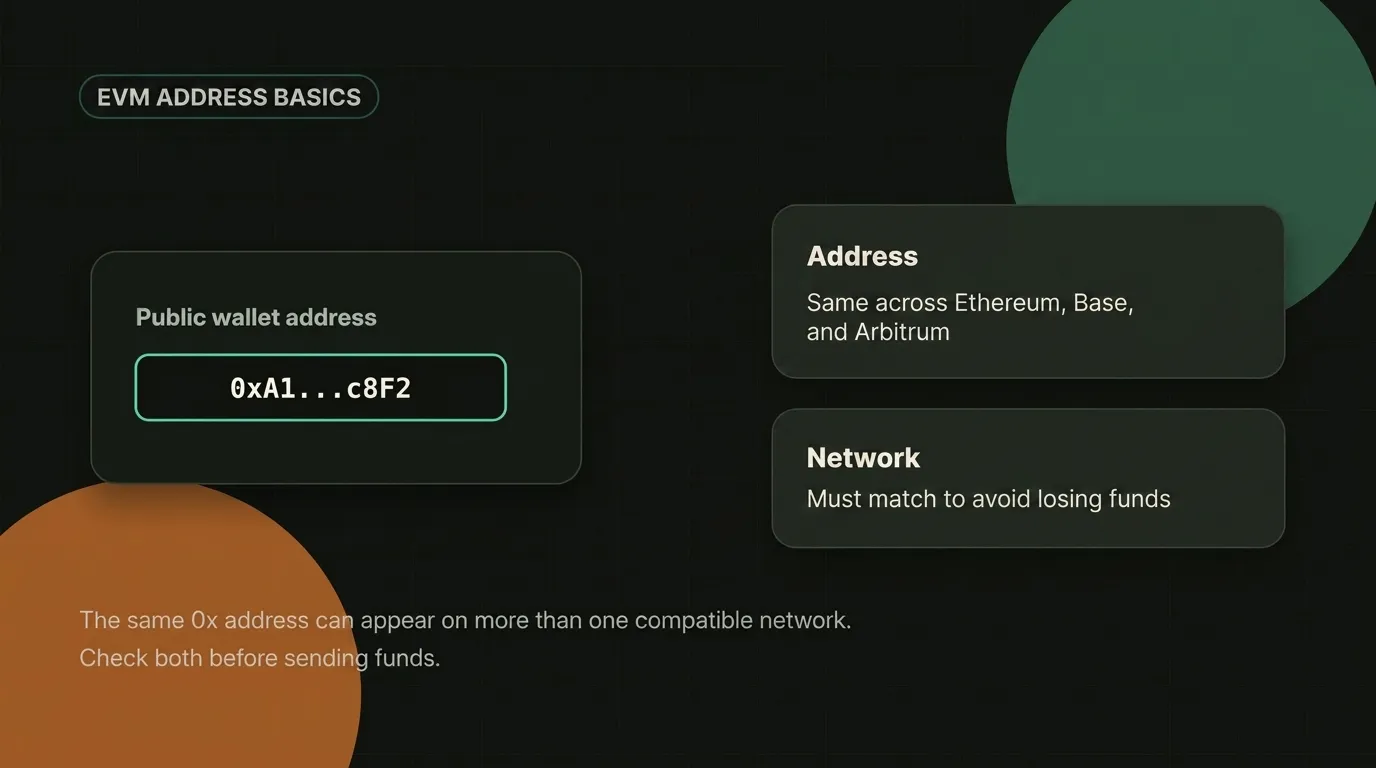
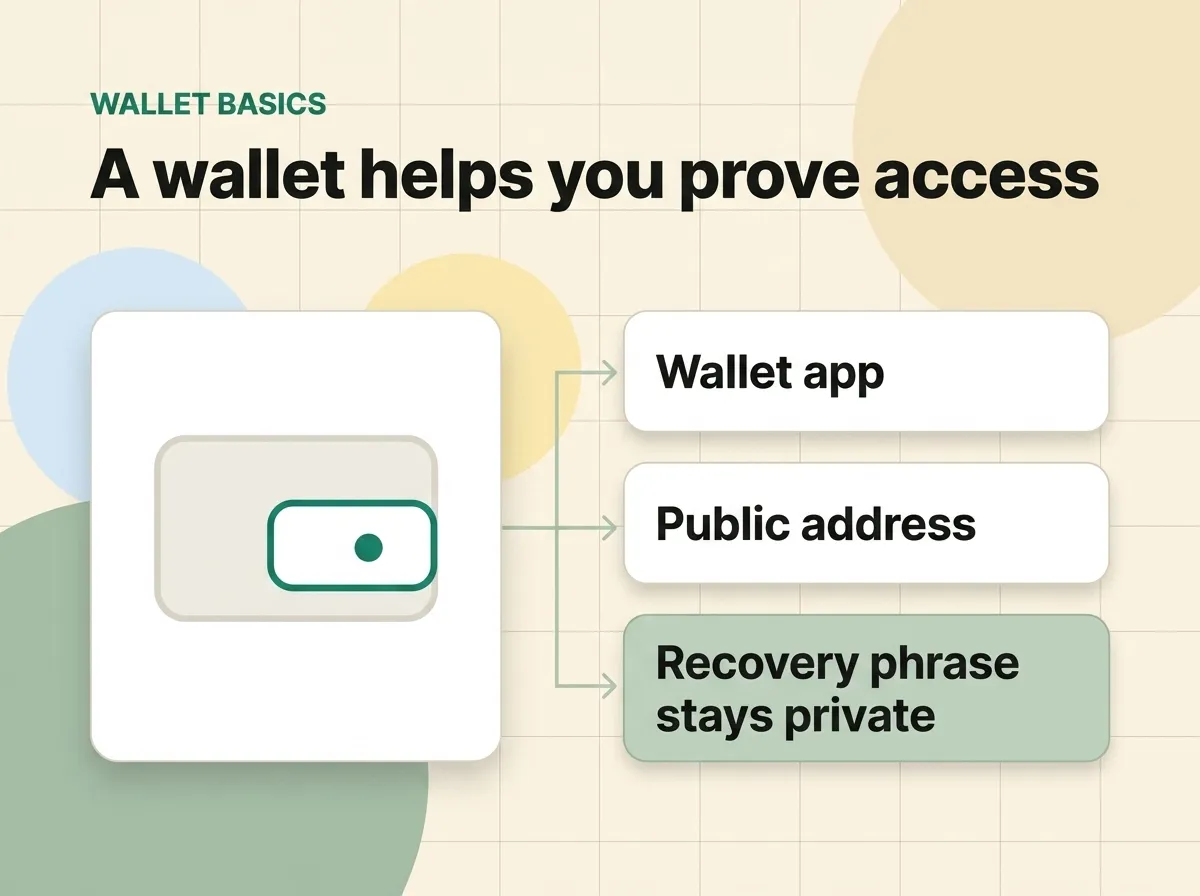
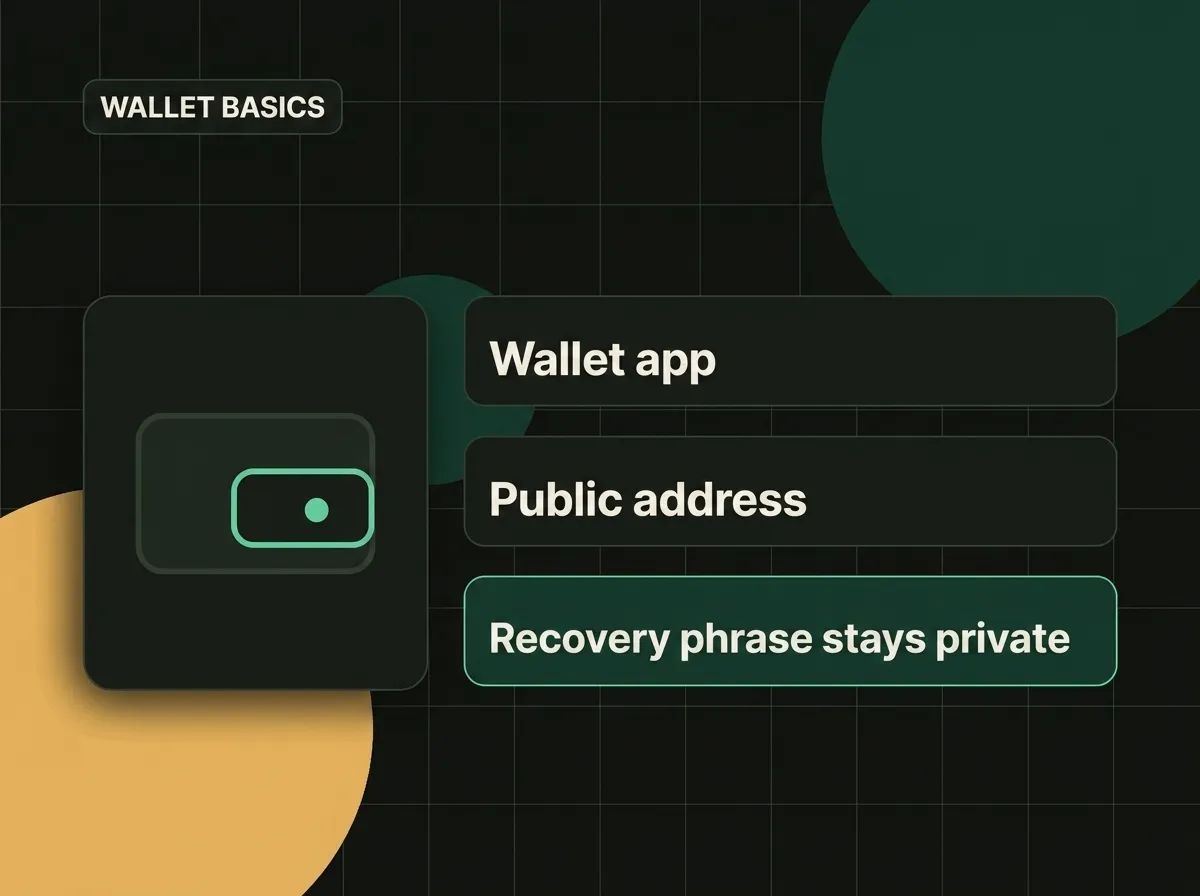
- Your Public Address: Think of this like your email address. It is safe to share with anyone who wants to send you coins.
- Your Recovery Phrase: Think of this like the master key to your safe. It is a list of 12 or 24 random words generated when you set up your wallet. Anyone who has these words can access your coins. You must write these words down on paper, store them safely offline, and never share them with anyone or type them into any website.
Common ways people use wallets
People use wallets to:
- Receive and send assets: Transferring coins to friends or between different services.
- Use swap pages: Swapping one token for another.
- Sign in to apps: Connecting to decentralized applications without usernames or passwords.
Please remember: you do not need to set up a wallet to start learning. It is completely fine—and often much safer—to learn the concepts first before downloading or connecting any software. Take your time!
The benefits and tradeoffs of using a wallet
Using a wallet gives you direct control over your digital assets. This is exciting, but it is best to think of it as a new responsibility rather than just a feature.
Here are some of the benefits:
- Direct ownership: You don’t have to ask a company for permission to move your funds.
- Simple sign-in: You can use compatible apps instantly just by connecting your wallet.
- Independent access: Your funds cannot be frozen by a central service provider.
However, more control also means there is no safety net if you make a mistake:
- Irreversible actions: There is no customer support team to click “undo” if you send coins to the wrong address or approve a bad transaction.
- Loss of access: If you lose your backup recovery phrase, you lose access to your funds forever.
- Security risks: Bad actors may create fake websites to trick you into giving away your keys.
This is why we always encourage beginners to take small, slow steps. Protecting your keys is the foundation of a good experience.
Simple habits to keep your wallet safe
While the risks are real, you can protect yourself by forming a few simple habits:
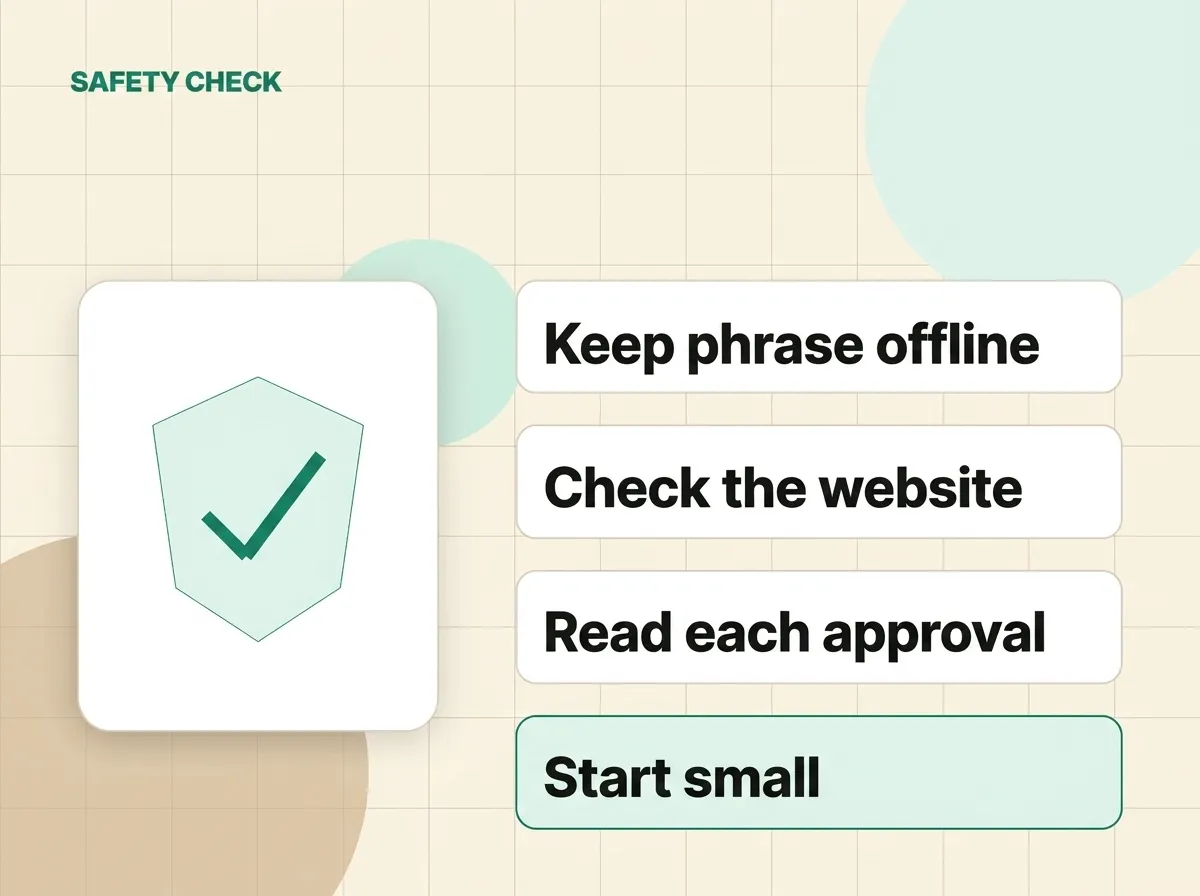
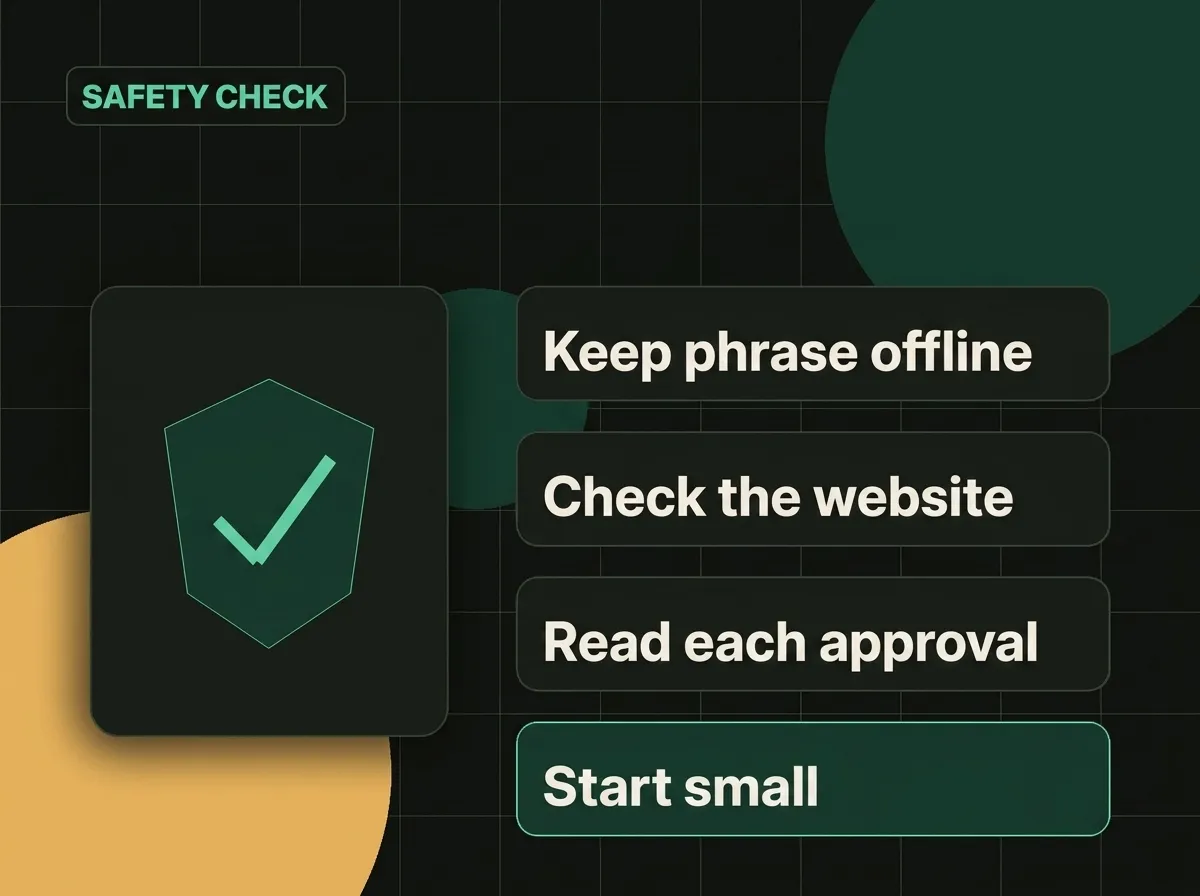
- Keep backups offline: Write your recovery phrase on paper and store it in a safe place. Don’t take a photo of it or save it in your notes app.
- Never share your phrase: No legitimate support agent or website will ever ask for your recovery phrase.
- Verify the website URL: Double-check the address bar before connecting your wallet to any app.
- Read the prompts: Look closely at what your wallet is asking you to sign.
- Start small: Send a tiny test transaction first before moving larger amounts.
What to check before you approve
Before you click “Approve” on any wallet screen, pause and ask yourself these questions:
- Which coin am I sending?
- How much am I sending?
- Which network is this transaction using?
- What is the estimated network fee?
- Do I trust the website requesting this action?
If you feel unsure or rushed, simply click “Reject.” You can always research the transaction and try again once you feel confident.
In summary
A crypto wallet is your tool for managing access to your coins on the blockchain. It offers great freedom and direct control, but it requires care. By keeping your recovery phrase secure offline, reading every prompt, and never rushing, you can explore wallet-based apps safely and confidently.