How to Get up to 45% Discount on Binance
How trading fees work on Binance, how to use BNB for discounts, and what to verify before you trade.
When you buy, sell, or trade cryptocurrency on an exchange, the service charges a small fee to process your transaction. Understanding how these fees are calculated can help you plan your costs and avoid surprises.
This guide explains the basics of Binance’s fee structure, how you can lower your costs, and what to check before placing an order.
Understanding Maker and Taker fees
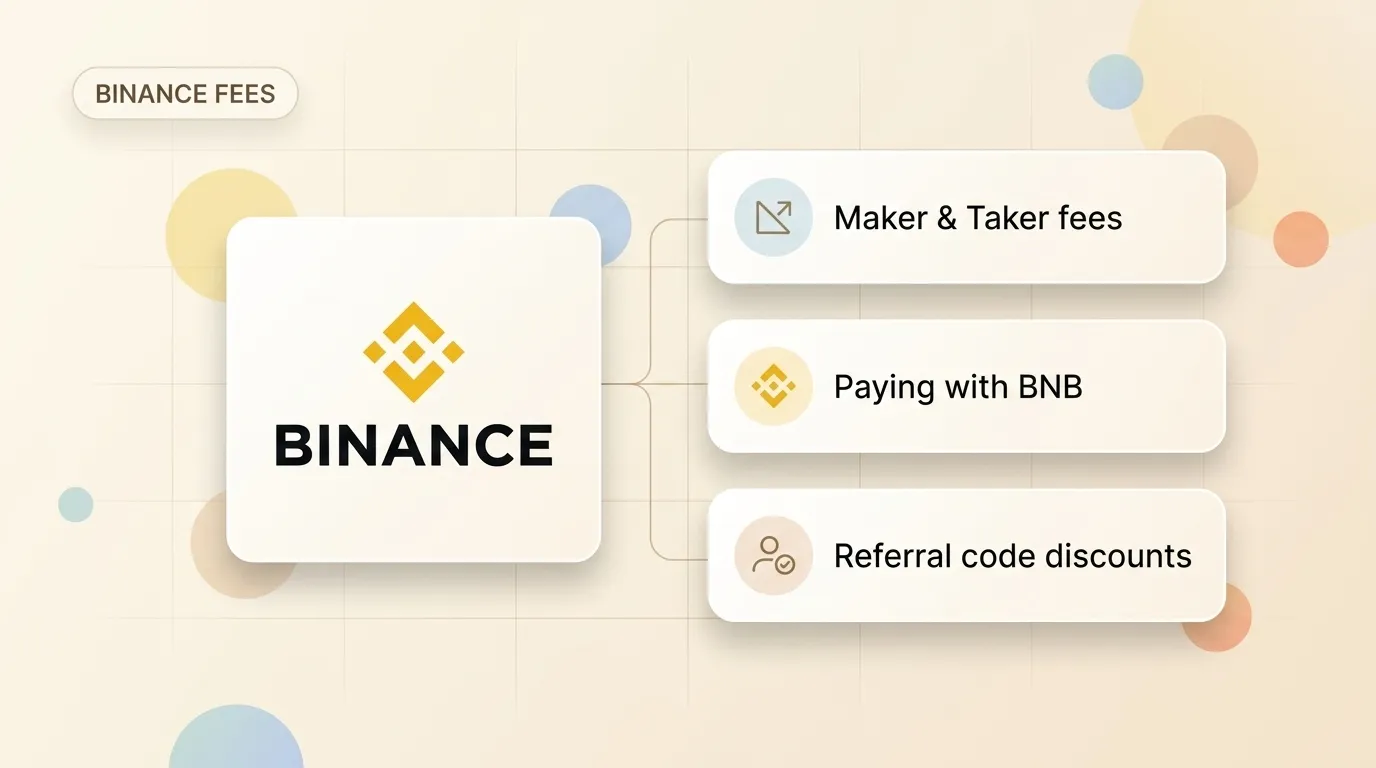
Binance, like many other exchanges, uses a “maker-taker” fee model. The fee you pay depends on whether your order adds liquidity to the market or takes it away:
- Maker fees apply when you place an order that doesn’t fill immediately (like a limit order). Your order goes onto the order book, “making” liquidity for others. Maker fees are usually lower.
- Taker fees apply when you place an order that fills instantly (like a market order). You “take” liquidity off the book. Taker fees are generally slightly higher.
How to reduce your trading fees
If you decide to trade on Binance, there are two common ways to reduce the fees you pay:
1. Paying fees with BNB
BNB is Binance’s native utility token. By default, fees are paid using the asset you are trading. However, if you hold BNB in your account and turn on the “Pay fees with BNB” toggle in your dashboard settings, Binance will deduct fees from your BNB balance instead, applying a discount (typically 25% for spot trading).
2. Using a referral code
When you create a new account, you can optionally enter a referral code. Some referral codes are set up to share a portion of the exchange’s trading commission back with you as a fee discount.
If you decide to sign up, you can use Try Finance’s referral code TLEAHKVA by registering through our Binance referral link. This code is configured to provide a discount on eligible spot trading fees. Always make sure the discount is visible on the registration screen before finishing your sign-up.
What to check before you start
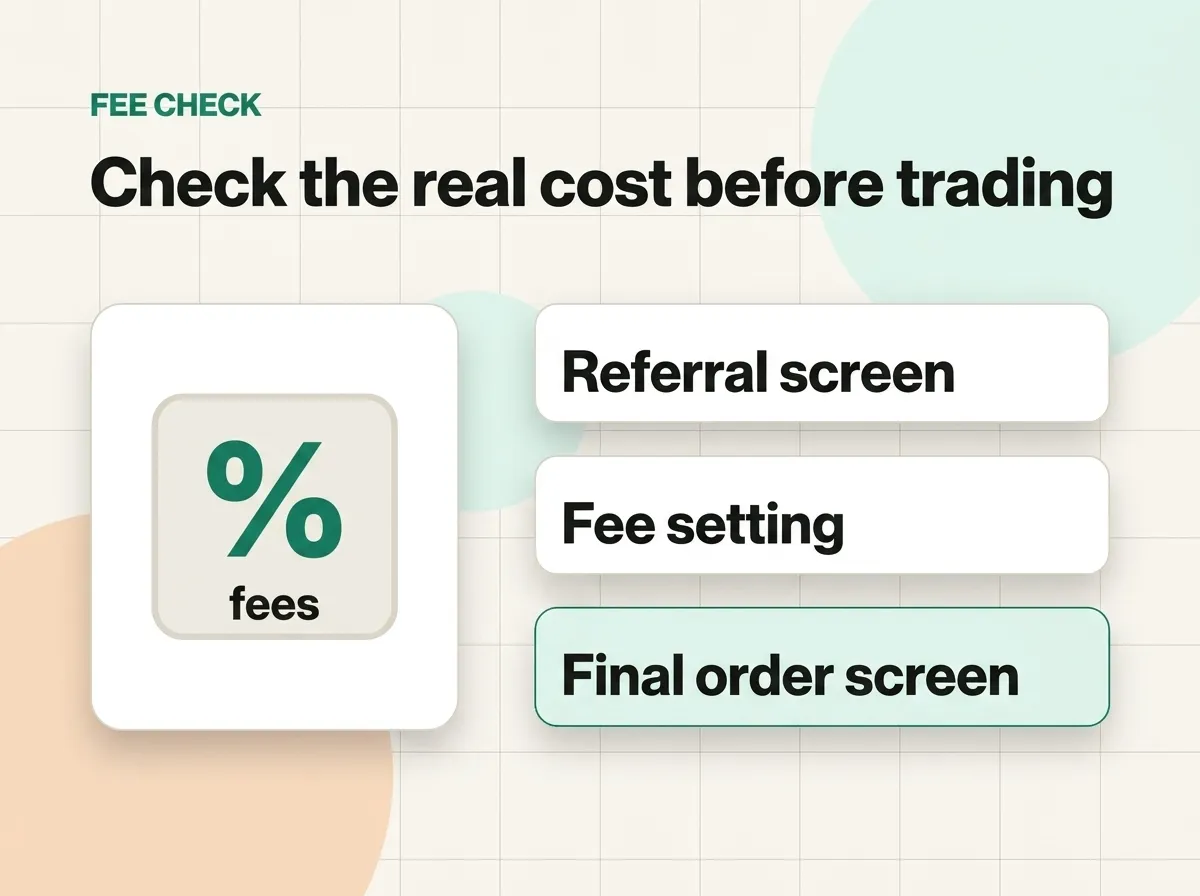
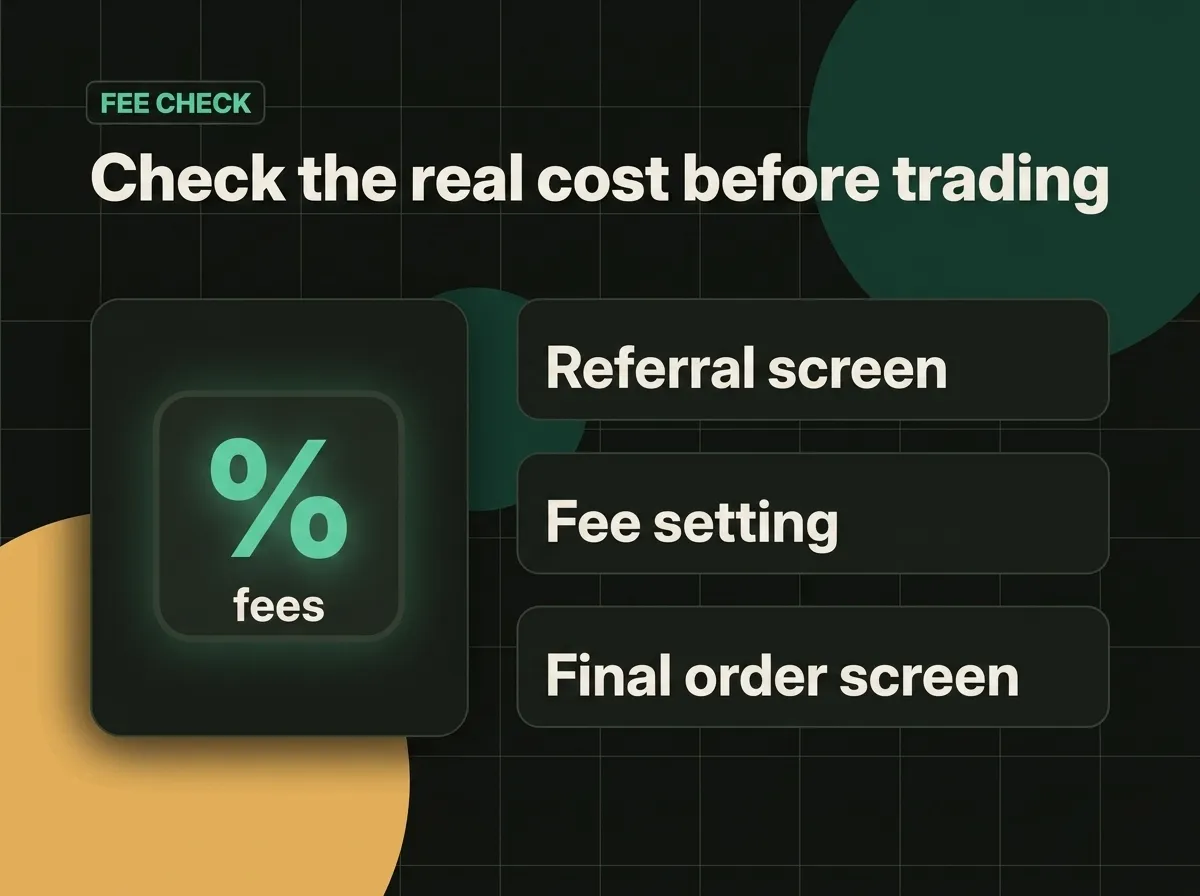
Before you deposit funds or trade, take a few moments to verify the details:
- Regional availability: Make sure Binance is licensed and fully available in your country. If the website blocks registration or redirects you to a local service, follow the options approved for your region.
- Fee settings: Check your account dashboard to see if the BNB fee discount toggle is turned on.
- The order screen: Before you confirm any buy or sell order, check the estimated fee shown on the screen.
- Withdrawal and deposit fees: Remember that trading fees are only one part of the cost. Moving funds in or out of the exchange via bank transfers or cards can carry separate fees.
Safety first
Crypto trading carries high risk, and prices can change rapidly. A lower fee does not make a risky trade safe. Start with small amounts, use strong security settings (like two-factor authentication), and never trade with money you cannot afford to lose.
In summary
Lowering trading costs is one of the easiest ways to improve your long-term results. By using a referral code like TLEAHKVA, paying fees with BNB, and choosing Maker orders, you can keep your trading costs as low as possible. Always start with a small amount and check your order screens before you click buy or sell.